For Project 2 of my Ironhack Pre-Work, and before classes begin later this week, we’ve been tasked with presenting a wire flow of a used navigating an App. For this assignment, I chose to base my prototyping work on the Duolingo app. It appeals to me being the one application I have been using the most in my free time, given the lack of opportunity to being able to partake in any social activities — I have spent most of my free time using it to try and learn a new language (Japanese!) as best I can.

The app is innately appealing for me to use due in no small part to its wonderfully easy to use, and clear to read user interface; with perceivable functions are very straightforwardly laid for one to see and use. It has wonderfully hierarchy in regards to its graphic elements, and very fun and welcoming aesthetic would resonate with most audiences.

I drew a lo-fi sketch detailing how the user flow from the header and the footer of the app would work. From the header on the home page the user can do the following: choose what language they are going to learn, track how many course crowns they have earned by completing lessons, follow their daily lesson streak, and finally to buy hearts — which serve like video game ‘lives’ which serve as an incentive to take the lessons to heart, lest you end up running out of hearts and waiting for them to refill hours later.

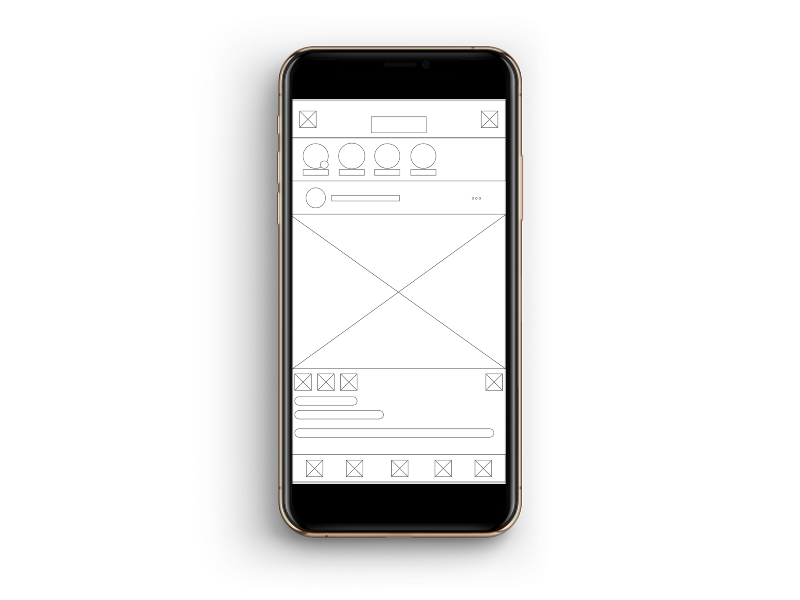
Following the sketch flow graph, I drew some very basic lo-fi sketches of how the screens change from using the header navigation. Here the basic construct of the app is rendered to get a better idea how the app’s elements are roughly organized.

Following, I made some medium-fidelity renders of the prior mentioned windows for the Duolingo App. Accurate layouts to app, as well as intractable elements, and placeholder sections text are shown.
And finally we have the prototype, hi-fidelity render of the Duolingo App I created in figma. All elements such as drop down menus, text placement, image boxes, and other features are mapped out. In the end, I found the exercise highly rewarding, and using Figma throughout the exercise was highly enjoyable. I got a tremendous amount of practice out of this exercise and look forward to more work on my time with the program.